5 todo list systems in 5 years
The evolution of my todo list system over time.
I've used 5 different todo list systems in the last 5 years. This article will describe everything I've tried and why, and what I'm using now.
2021-2022: Apple Notes
I started using a todo list sometime in early 2021, as a high school sophomore. I'm honestly astonished it took me that long—before, did I really keep all of my todo list items swimming in my head? It's so much better to write todo items down somewhere instead of keeping them in your head.
I started using Apple Notes because my iPhone had an app aptly titled 'Notes', and I decided that was good enough for me.
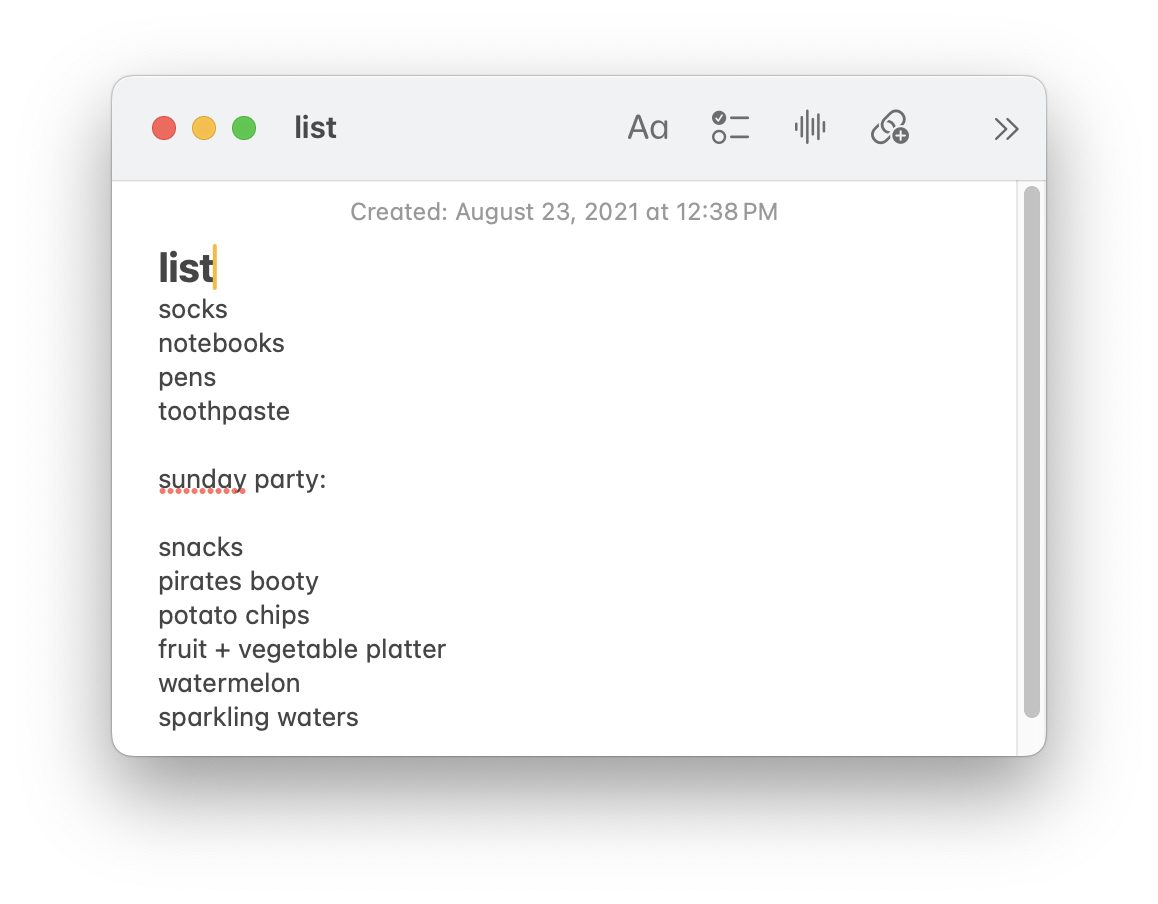
It certainly got the job done, but it was a little boring. I kept on using todo lists relatively infrequently[1] until I discovered...
2022-2025: Notion
One of my favorite high school teachers introduced me to Notion in the summer of 2022... and I was immediately hooked. I believe every student who is at least somewhat obsessed with being productive has had their sweet time with Notion. It's like digital LEGOs, and it's very addictive—I probably spent more time optimizing my various dashboards and pages than I did using them.
Because I had introduced (mostly) my whole school life into Notion, my new todo list was naturally made in Notion. It was actually a good system, and I used it for a long while (for almost 3 years). The nicest thing was having Notion logged in on both my school computer and my phone, so I could edit on both devices.[2]
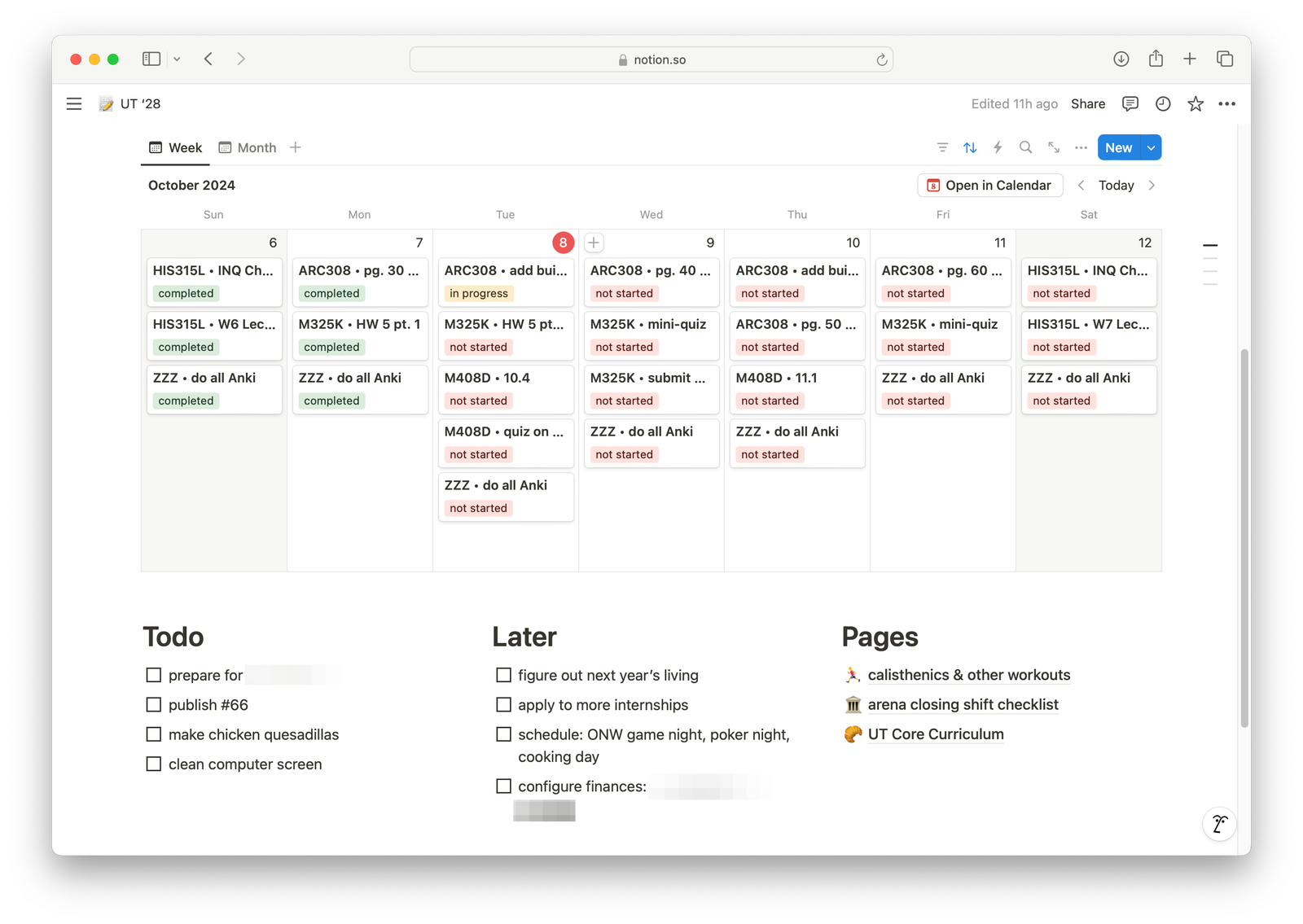
The last update to any of my todo list pages was in March 2025. I stopped then, mostly because I had gotten tired of editing my todo list via the Notion app. The desktop app is great, but the mobile app was (is?) quite clunky when you just want to edit text. There are too many complicated options in the Notion mobile app. I never want to do anything complicated on the mobile app[3], but there were always a million buttons and icons getting in my way and slowing down the UX. I just wanted to type text.
Before I talk about my next todo list: vim ~/todo.txt, I'll discuss my brief intermission from using Notion:
2022-2023: Ugmonk Analog
Around fall 2022, I got really into desk accessories. I know this because I purchased a $69 piece of wood whose sole purpose is holding nice paper cards. By the way, it costs $10/month to get the nice paper cards if you purchase the subscription.
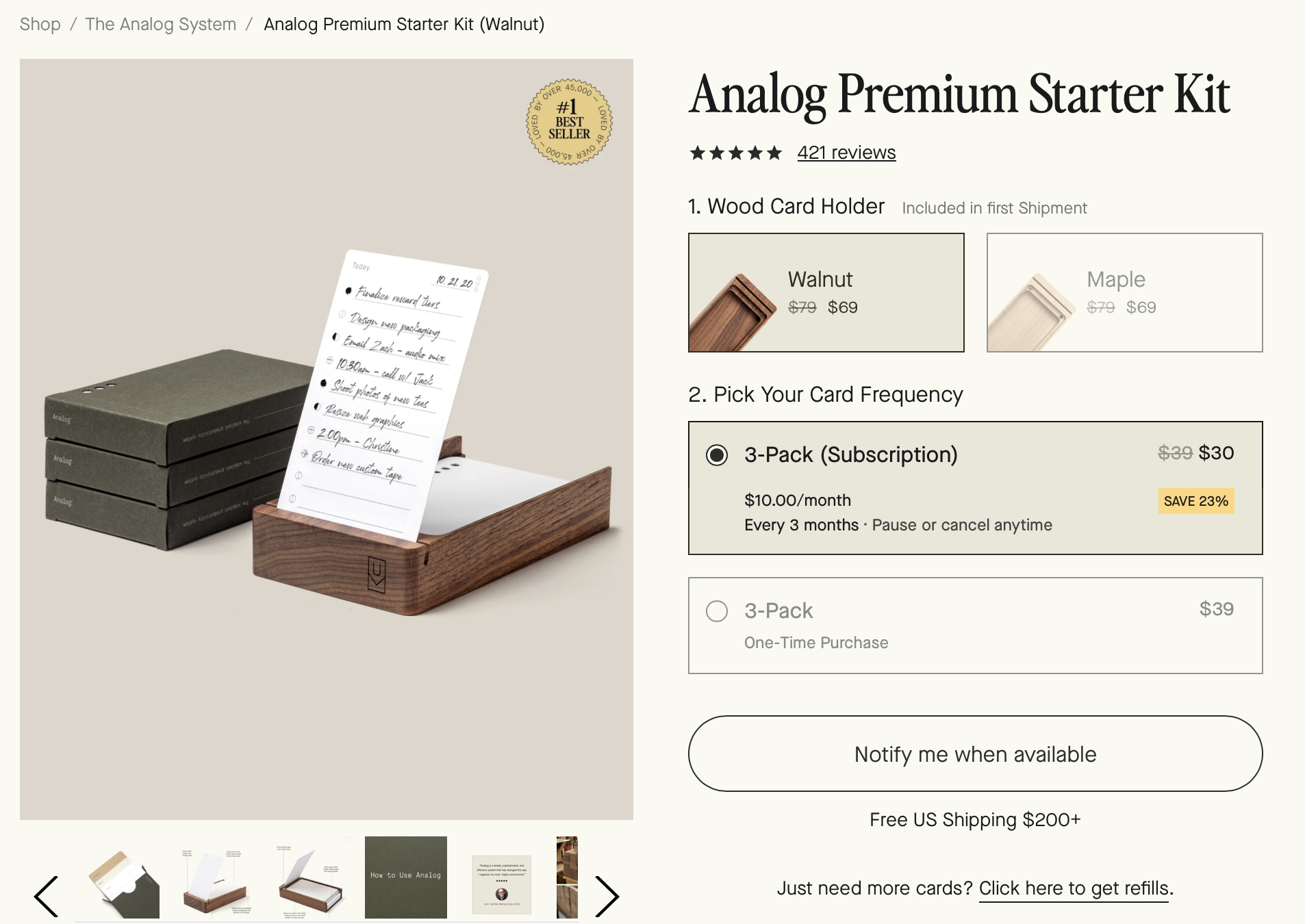
I do not entirely regret my purchase, because it was good & fun for the 3 or 4 months I used it for.[4] It was really nice to write stuff down physically, and it is a good-looking desk accessory. Eventually, the cost of buying new cards turned me away from the Analog kit. I didn't like paying for a subscription just for a todo list.
2025-2026: vim todo.txt
Around March 2025, I was fed up with Notion. I read a HackerNews article on some guy who just used a todo.txt file on his computer, and I figured I'd give it a try.
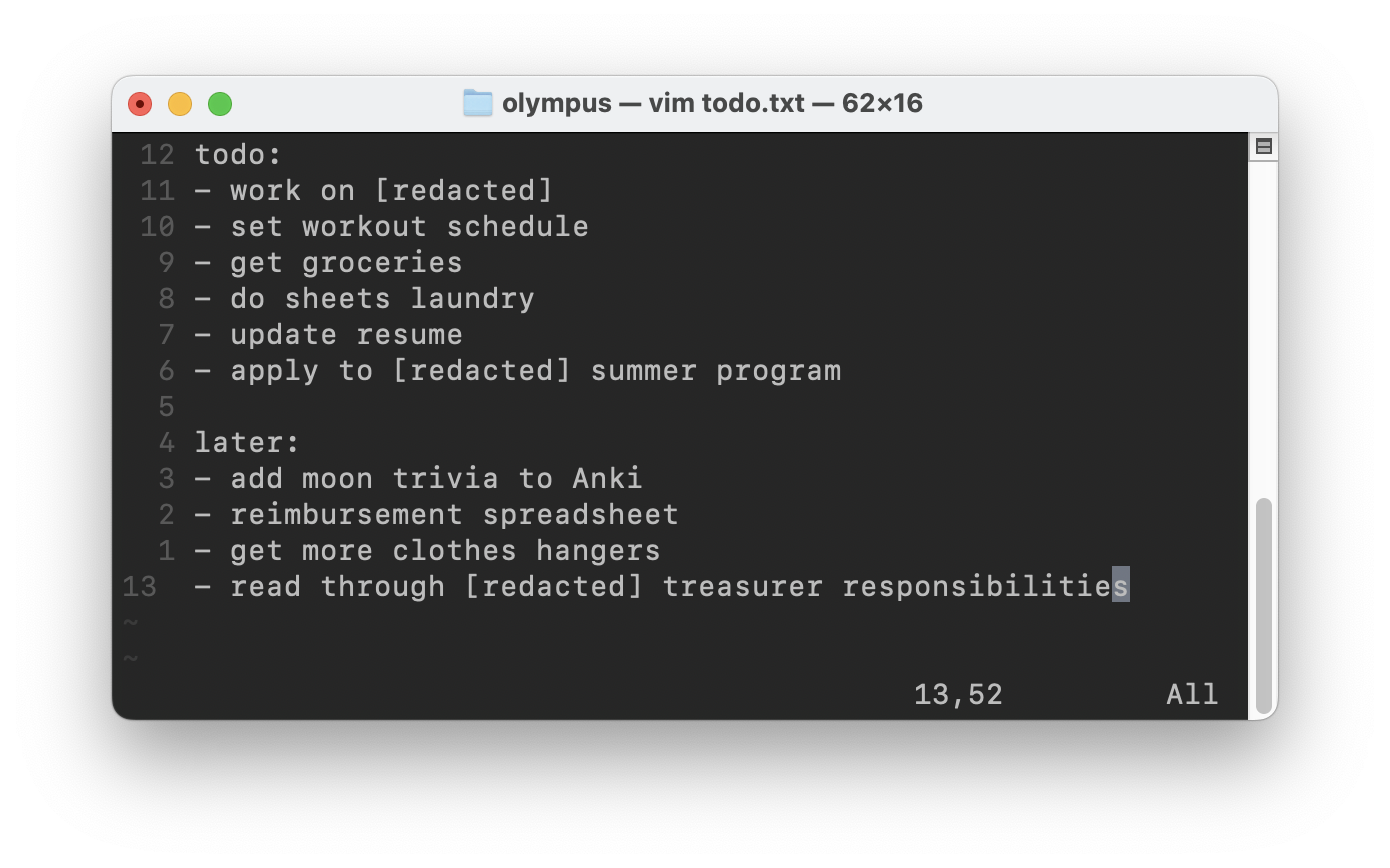
It was okay. I can type fast in Vim, so editing the todo list was extremely quick. But I couldn't edit todo.txt from my phone, and pressing dd to remove a todo list line is not nearly as satisfying as I thought it would be.
Plus, I wanted a place to write new stuff down without having to get out my computer every time. So I pivoted once again, in July 2025, to my current setup...
2025-Present: Typst + printer
I started using Typst thanks to HackerNews and Sylvan Franklin. Typst is basically a modernized version of LaTeX—I use it to write most of my documents now, with the exception of my math homeworks.
Every Sunday, I edit todo.typ, which looks something like this:
#align(left, block[
  #set align(left)
  = 2026-01-25
  #columns(2, gutter: 5pt)[

  == todo
  - do final writeup for [redacted]
  - send [redacted] to [redacted]
  - write \#77 on todo lists

  #colbreak()
  == later
  - read The Three-Body Problem again
  - apply to su27 internships

  ]

])
which compiles into todo.pdf:
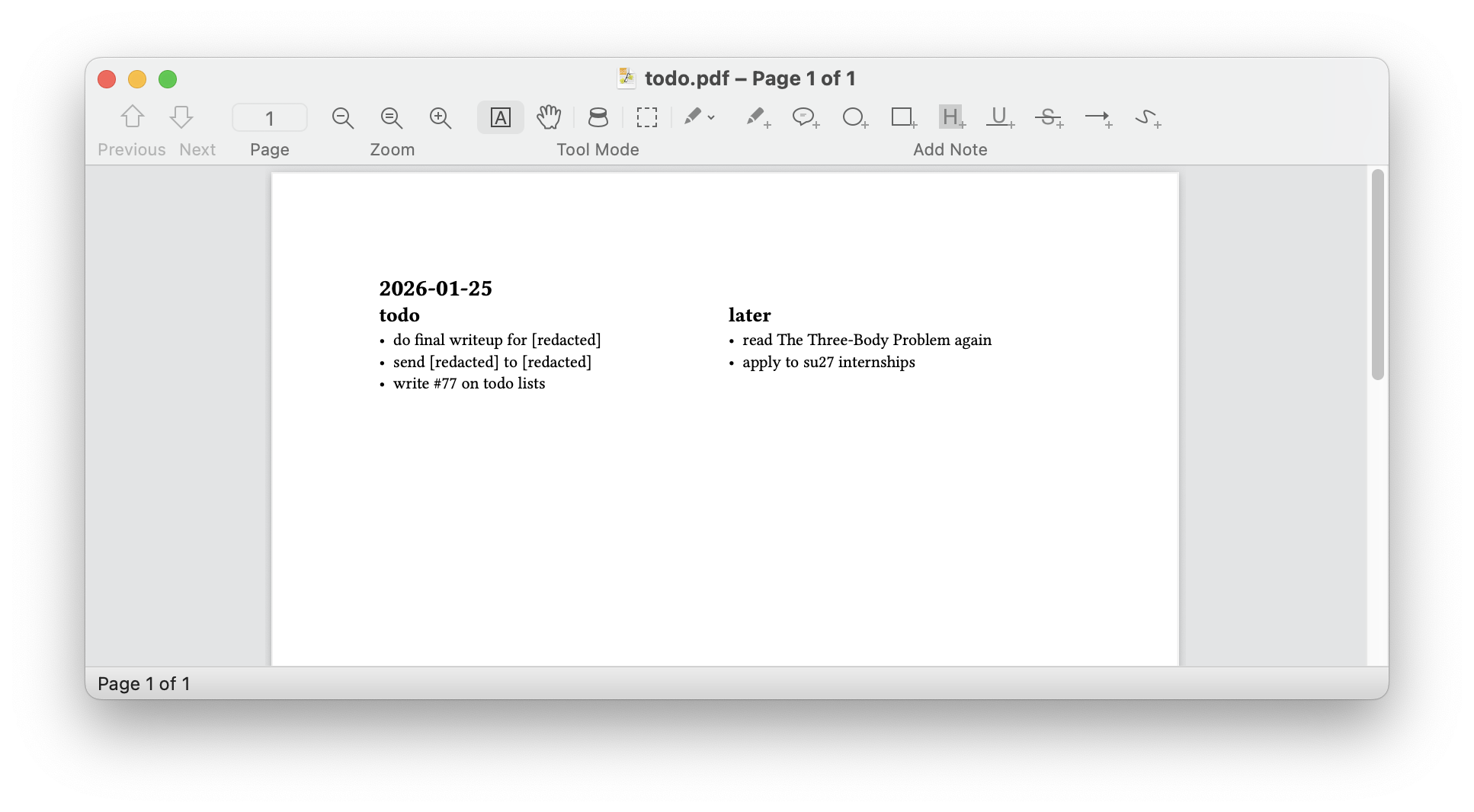
Then I print todo.pdf onto a full letter sheet, and slide it into the sleeve of my notebook. There are a couple of reasons why I like this format, and why I've stuck to it for the last couple of months:
- It's accessible anytime I have my notebook.
- It's far more satisfying to cross a todo item off physically than digitally.
- There's tons of extra space on both the front and the back to write down new todo list items; to scribble drawings; to write down random notes; etc.
Why do I print the list? Because I like to know what items I started the week with, and what items were added during the week.
Overall, it's really nice to have a physical todo list. I think I might stick with this system for a while—but who knows. After all, I've switched my system 4 times in the last 5 years, so maybe by 2027 I'll be using something else entirely.
Ah, the joys of being an irresponsible high school student with almost no responsibilities during COVID! ↩︎
This is not revolutionary technology for a todo list app, obviously, but it's nice and quite convenient. ↩︎
For complicated changes (in anything), computer beats phone every time. ↩︎
Plus my mom uses it now, so I feel better about how much I spent. ↩︎